Getting started with AI Engine
ChatGPT for Real Estate
Power your WordPress with AI! GPT Generate content, enhance it, improve your SEO, add a ChatGPT-like chatbot, and more
AI Engine Setup Tutorial
Follow the steps below to properly install and configure AI Engine for WordPress.
1 Open License Page
- Go to
yourdomain.com/wp-admin/admin.php?page=mwai_settings&nekoTab=license. - Confirm the site is connected and accessible.
2 Enter Serial Key
Paste the given code in the field named Serial Key:
example: 0e9af13c48bd72e16ca92b7df0345e18
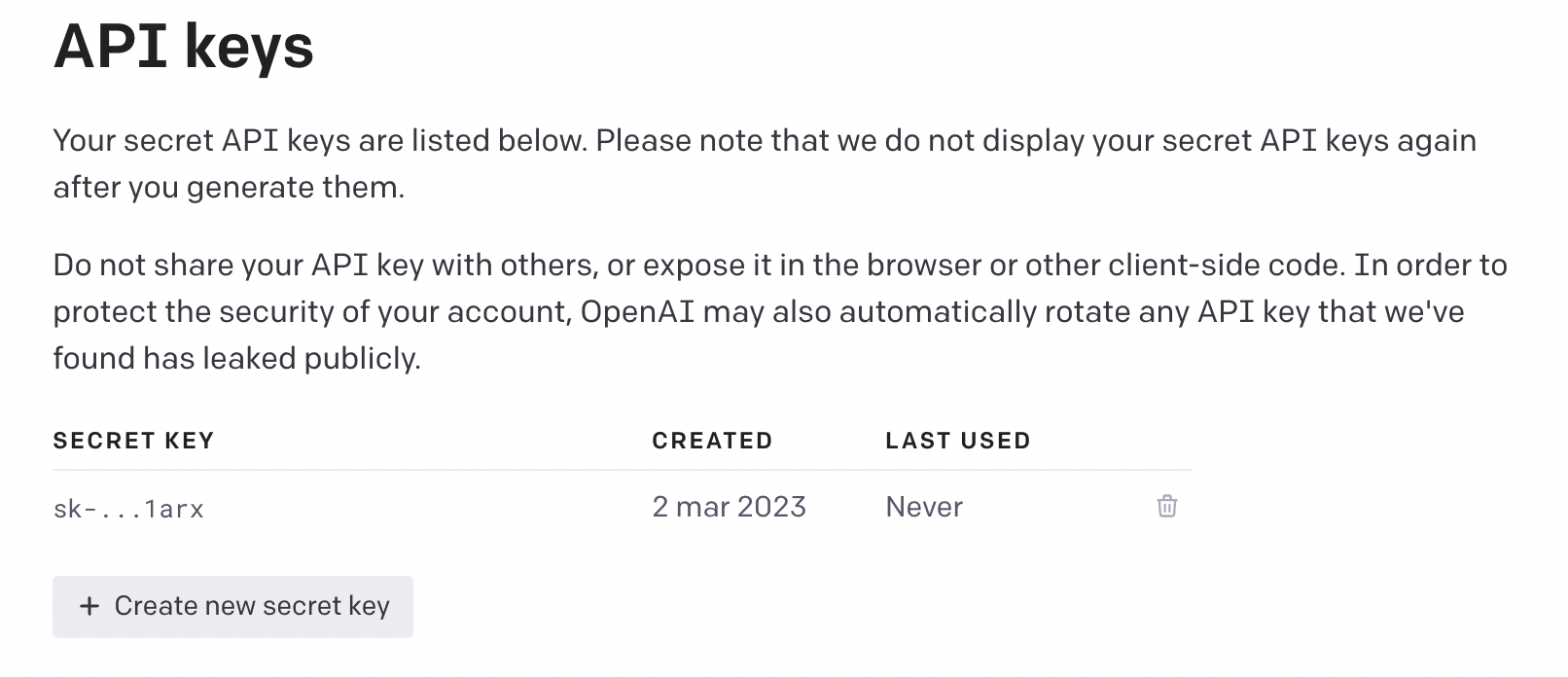
3 Add OpenAI API Key
- Create an API key at OpenAI.
- Enter the key in the plugin settings.
4 Finalize Configuration
- Enable the chatbot and any additional modules you require.
- Save changes and verify functionality on your site.
Additional Help
Review the official setup resources:
View AI Engine GuideImportant Notes
- Support for AI Engine setup is limited to plugin-specific questions.
- For general WordPress configuration, refer to official documentation and tutorials.