Shipping weekly

What's new

New features, improvements and fixes for your IDXApps account, published as they ship.

Last shipped

October 2026

7 releases

GHL Custom Objects for Featured Listings

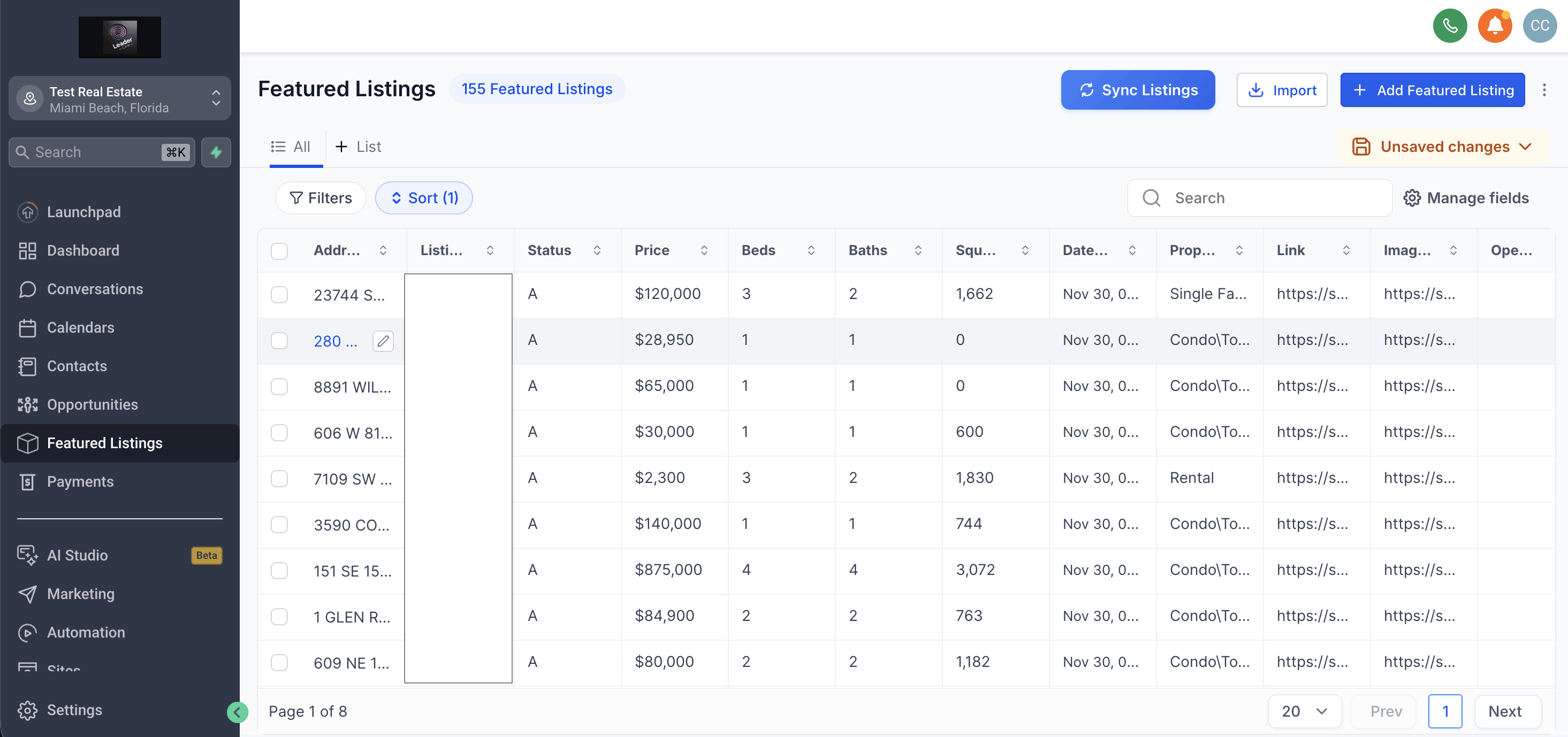
We’ve released a new app that allows you to manage your Featured Listings inventory directly inside HighLevel using Custom Objects. This keeps all your listings organized in one place and enables powerful associations with contacts—such as linking listings to Buyers, Sellers, and other relationships.


To start using this app, you’ll need to reconnect your HighLevel integration, as additional permissions are required to create and manage Custom Objects.

This is just the beginning—we’ll be rolling out more features and enhancements in the coming weeks to expand how you can use Featured Listings inside HighLevel.
Go to App


CRM Dashboard + IDX Button

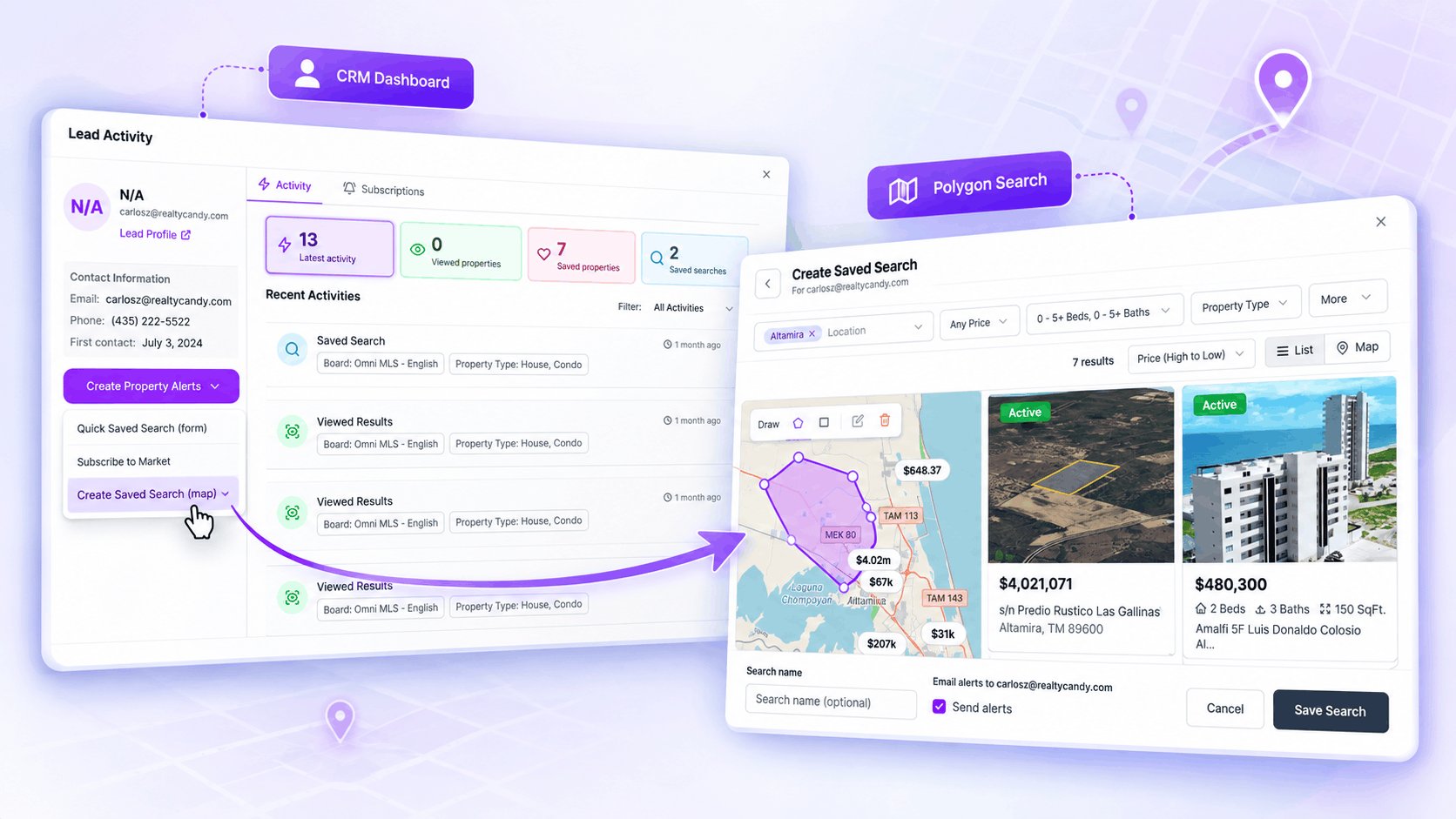
Users can now create polygon-based saved searches directly from the CRM Dashboard and IDX Button, giving agents more flexibility when setting up property alerts for their leads. Instead of limiting a search to predefined locations, users can draw a custom area on the map and save that exact geographic boundary as part of the search criteria.


This makes it easier to create highly targeted property searches around specific neighborhoods, communities, or custom areas. Once the search is configured, it can be saved for the lead and used with email alerts, helping agents deliver more relevant listings based on the exact areas their clients are interested in.


Go to App


Social Planner: Turn Listings Into Ready-to-Publish Social Content

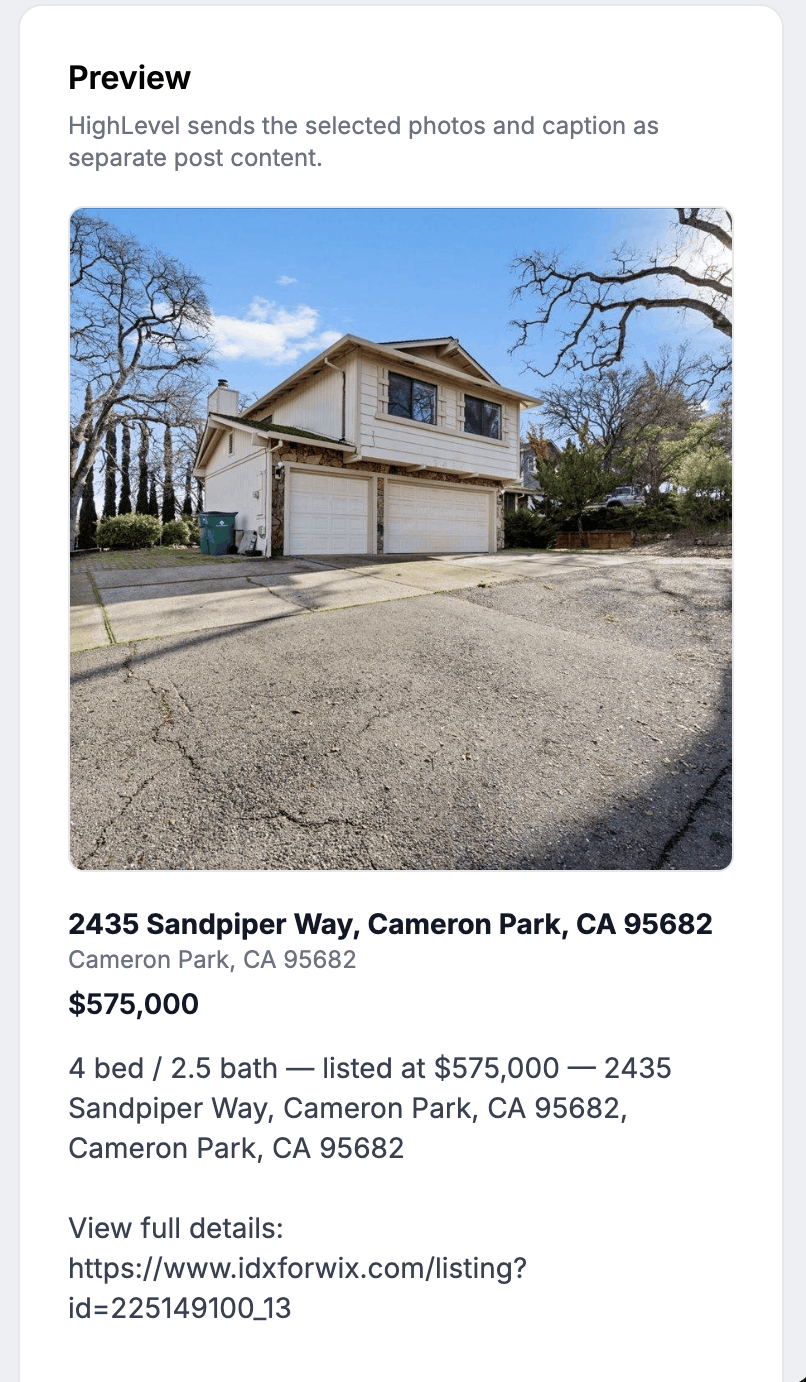
The new Social Planner makes it easier for agents and teams to create social media content directly from their real estate inventory. Users can choose a connected HighLevel user and social account, select a featured listing, saved search, or newly imported property, and generate editable post copy without having to build the post from scratch.

The app also gives users control over how content is delivered. Posts can be created as drafts for later review or prepared for scheduled publishing, while the built-in preview makes it easier to see the selected property and content before sending it to HighLevel.


Go to App


CRM Dashboard Updates: Faster Lead Entry and a Clearer View of Total Leads

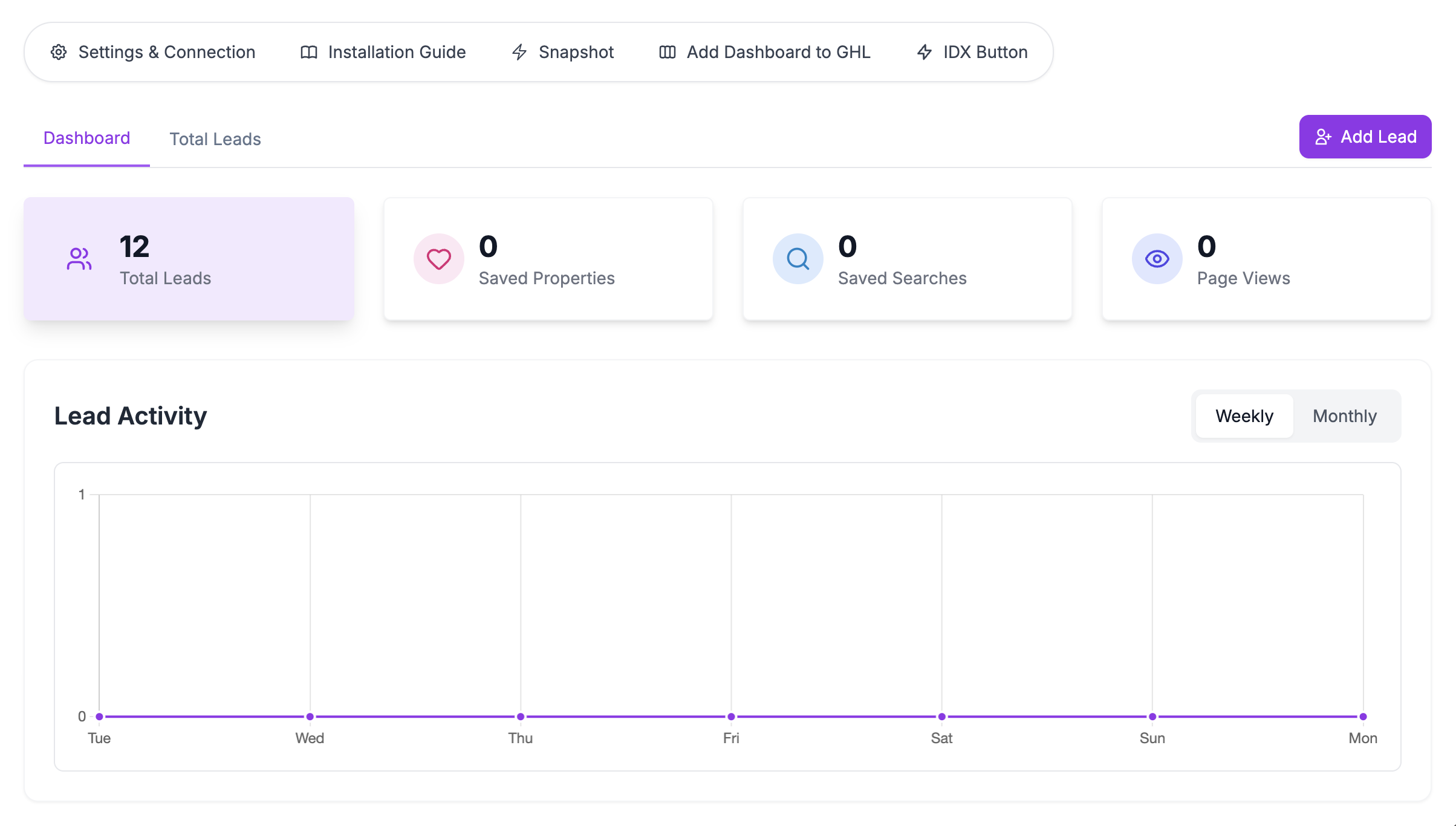
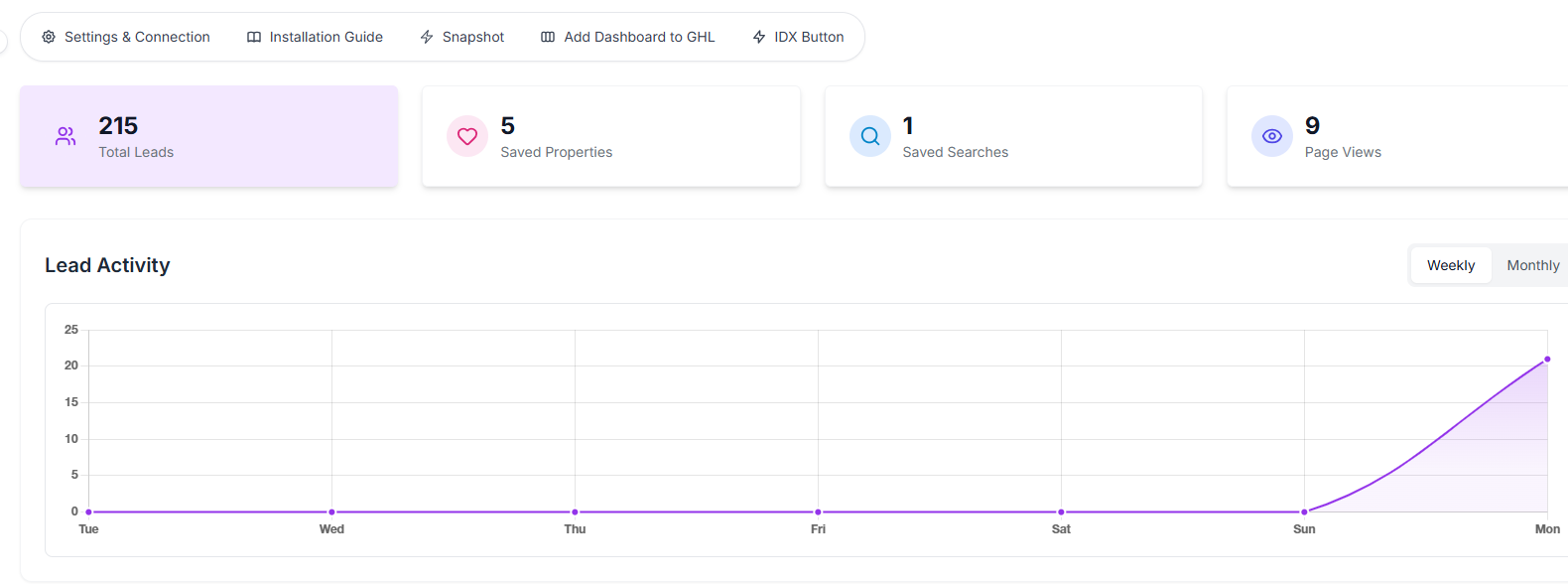
The CRM Dashboard now makes lead management more direct and organized with the addition of a new Add New Lead button. This gives agents and teams a faster way to create leads manually, helping them capture opportunities without extra steps.

This update also introduces a new Total Leads tab, making it easier to view all leads in one place. Together, these improvements create a more efficient dashboard experience and give teams better visibility into their lead pipeline.


Go to the CRM Dashboard


Home Valuation Updates: Smarter Tracking, Better Follow-Up, and More Branding Control

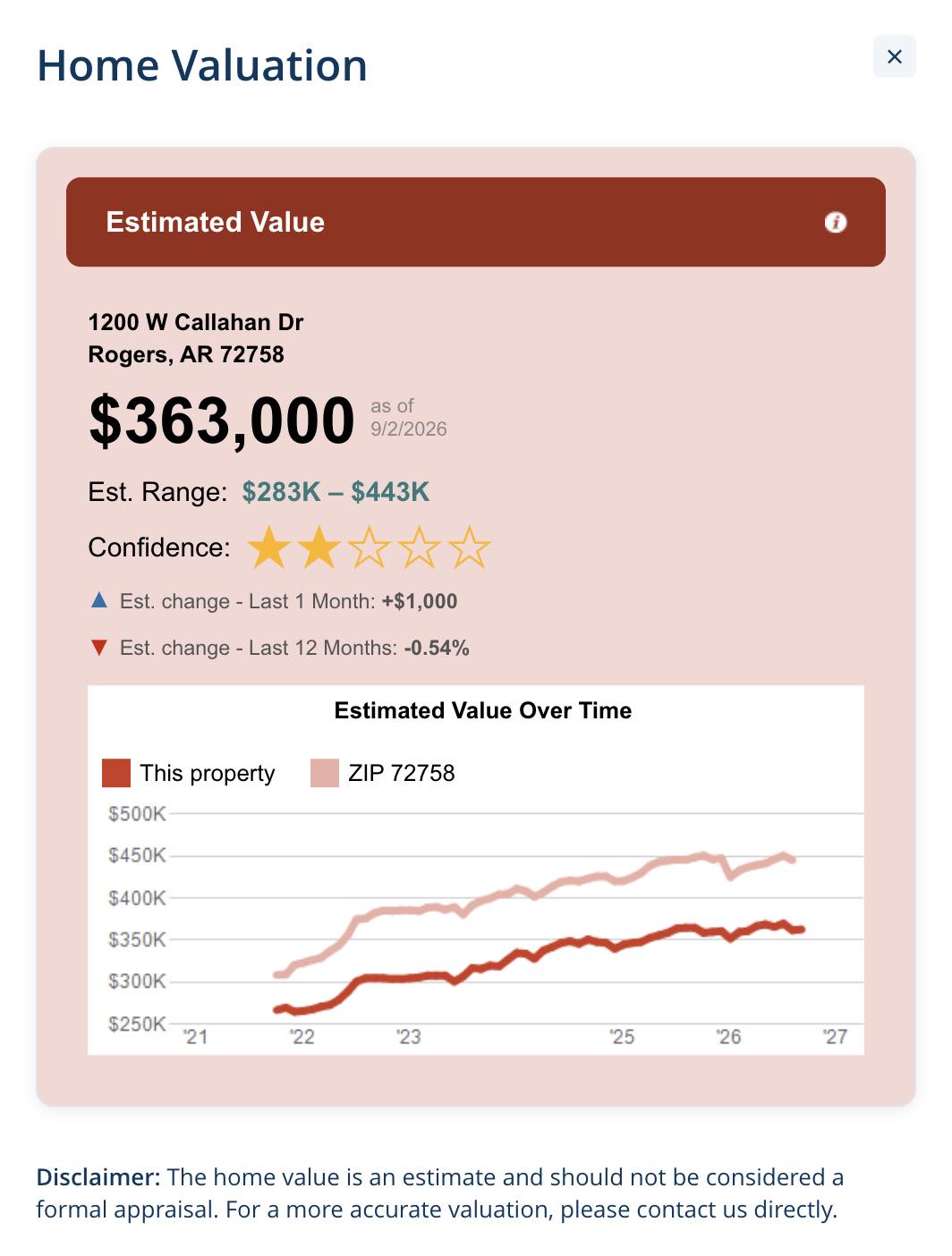
The Home Valuation widget now gives agents and teams more control over how valuations are managed and followed up. With a new limit of 20 valuations per month, the experience stays more intentional while still supporting consistent lead generation. At the same time, submitted valuations are now stored automatically, making it easier to track activity and keep a record of generated requests.

This update also improves the widget’s connection with HighLevel, helping teams streamline follow-up and lead management more effectively. In addition, a new Style tab makes it easier to customize widget colors, so the valuation experience can better match each website’s branding without extra effort.


Go to App


Census Bureau

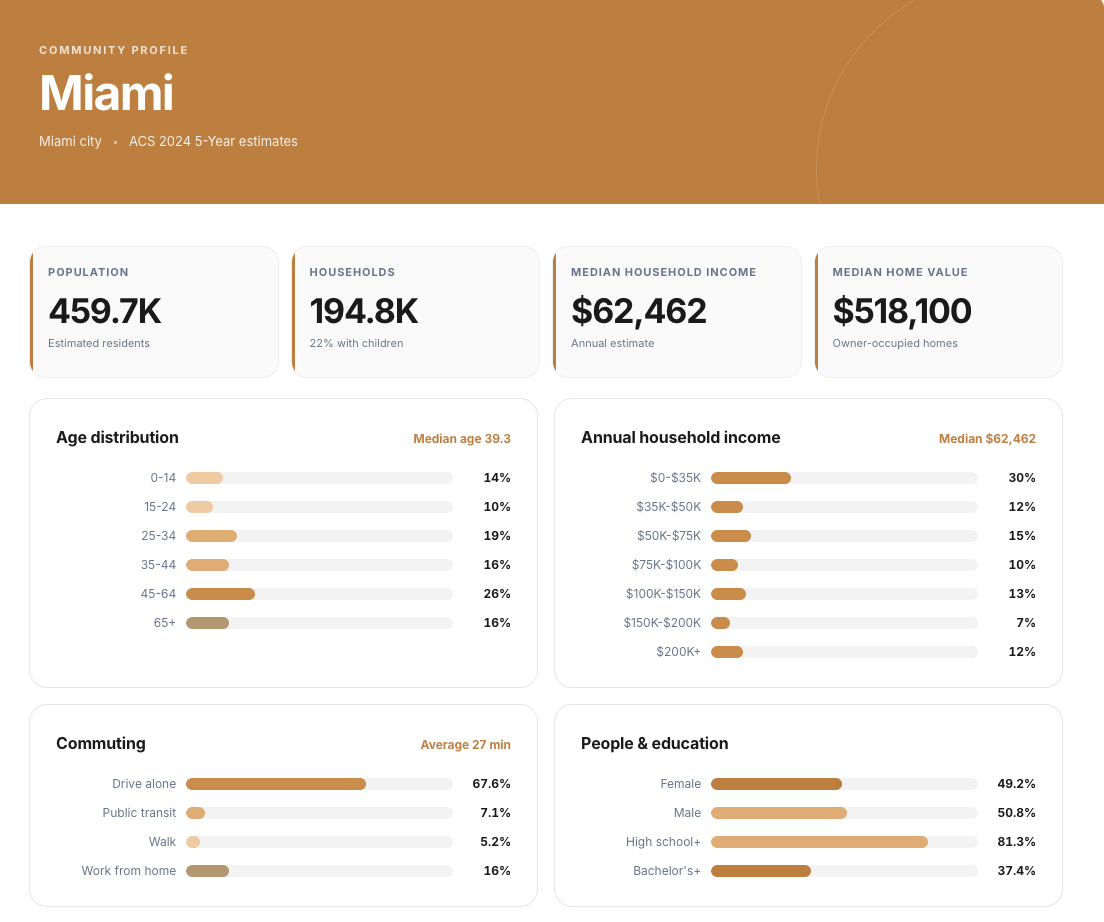
The new Census Bureau app helps agents and teams enrich community pages with reliable demographic insights pulled from cached ACS data. Instead of presenting visitors with a wall of raw Census fields, the widget turns complex information into a clean, easy-to-scan profile that highlights the details buyers and sellers care about most — including population, households, income, housing, education, employment, age, and commuting patterns.


Designed for ZIP Codes, cities, counties, and address-based Census tracts, the widget creates responsive local profiles with customizable branding and stable embeds for every saved location. Each profile also includes important transparency details such as the resolved geography, ACS year, source, and last update, giving visitors a clear view of how current the data is and where it comes from.


Go to App


Mortgage Calculator

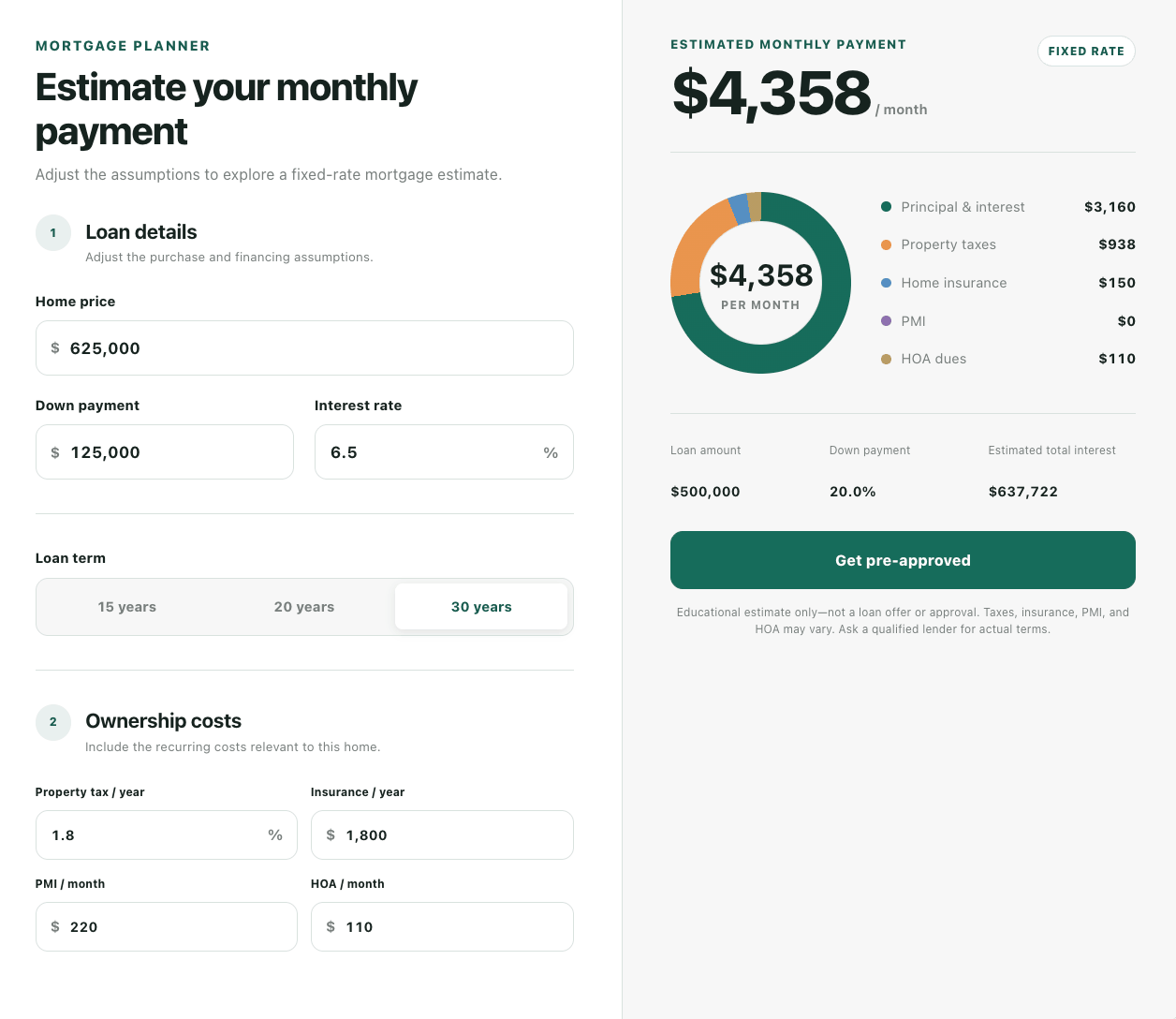
The new Mortgage Calculator gives real estate websites an easier way to help buyers understand potential monthly housing costs without leaving the property page. Users can estimate principal and interest while also factoring in common expenses such as property taxes, home insurance, PMI, and HOA dues.


The calculator includes two responsive layouts — Compact and Planner — so it can adapt to different website sections and user experiences. It also supports customizable branding, assumptions, copy, and calls to action, making it easier for agents and teams to provide a helpful financing tool that feels consistent with their website.


Go to App


September 2026

1 release

New RPR AVM Widget

Offer instant home valuations directly on your website with property data powered by RPR’s AVM. Capture valuation leads automatically in iHomefinder and, when connected, sync them to HighLevel.


Offer free home valuations to your website visitors


If you’re a member of the National Association of REALTORS®, you may be eligible to get an RPR AVM token at no cost. Use it to add the RPR AVM Widget to your website and let visitors enter their address to receive an instant home valuation.


Every valuation request automatically creates a lead in iHomefinder. If HighLevel is connected to your account, the lead is also synced to your CRM—making it easy to follow up with potential sellers.


Go to App


January 2026

1 release

User Interface improvements

✅ Improvements: 


  • Improved the app’s list design for a cleaner, more intuitive experience, along with enhanced settings to give you greater control and easier customization.
  • Added new button for selecting all leads in CRM Dashboard


Discover the new interface


December 2025

4 releases

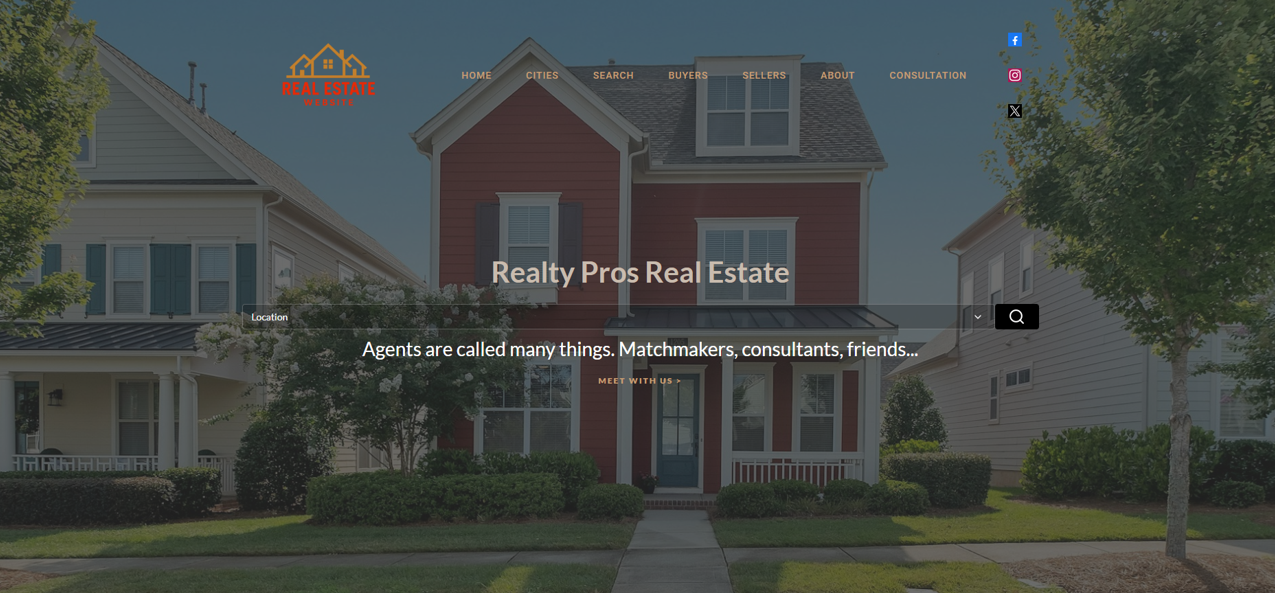
Improved UI Layout of One Click Website Templates

✅ Improvements: 

  • Modified address search bar in home pages
  • Added improved margins and paddings to several sections
  • Organized texts based on fonts
  • Updated One Click Website list in One Click Websites Info page


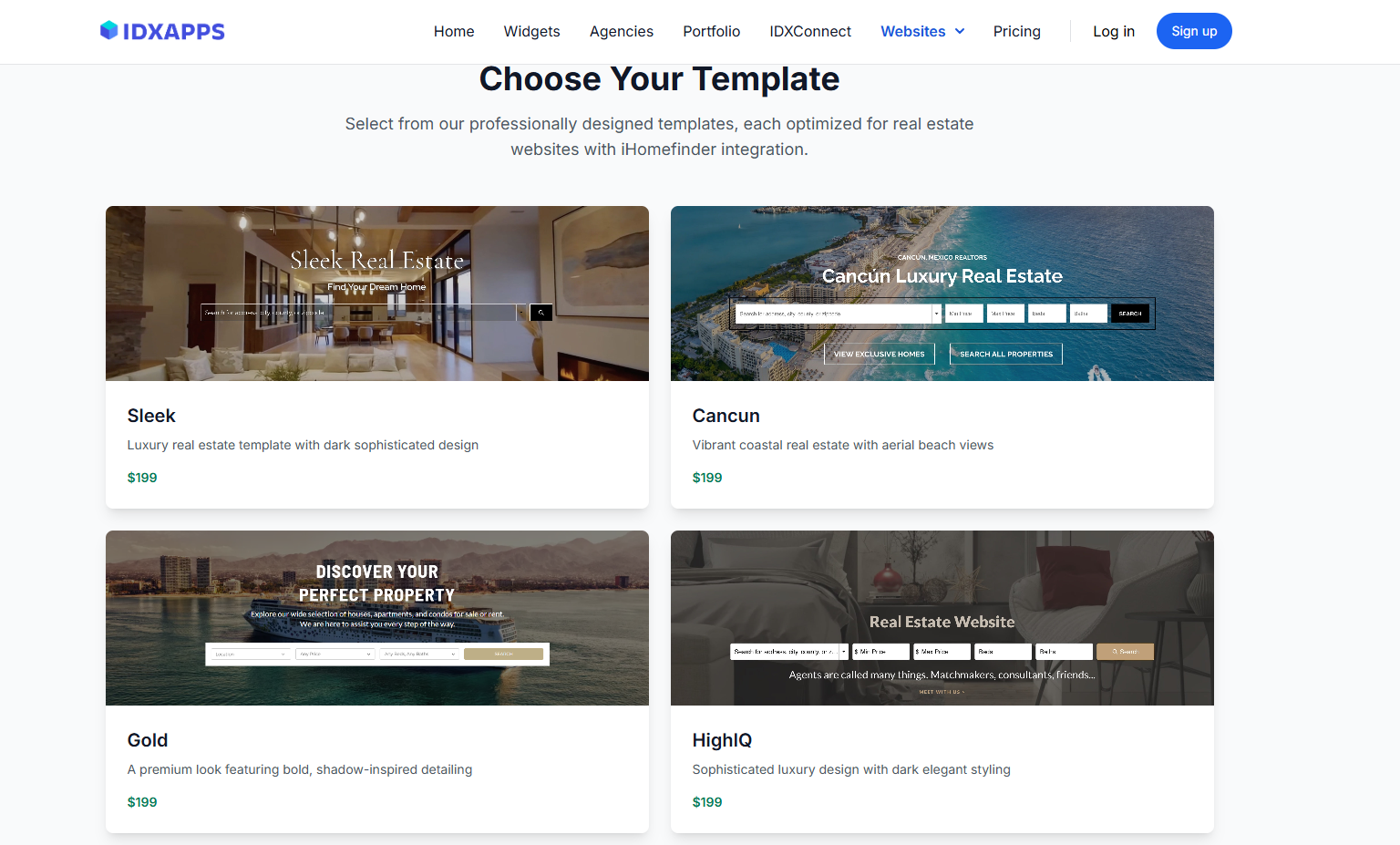
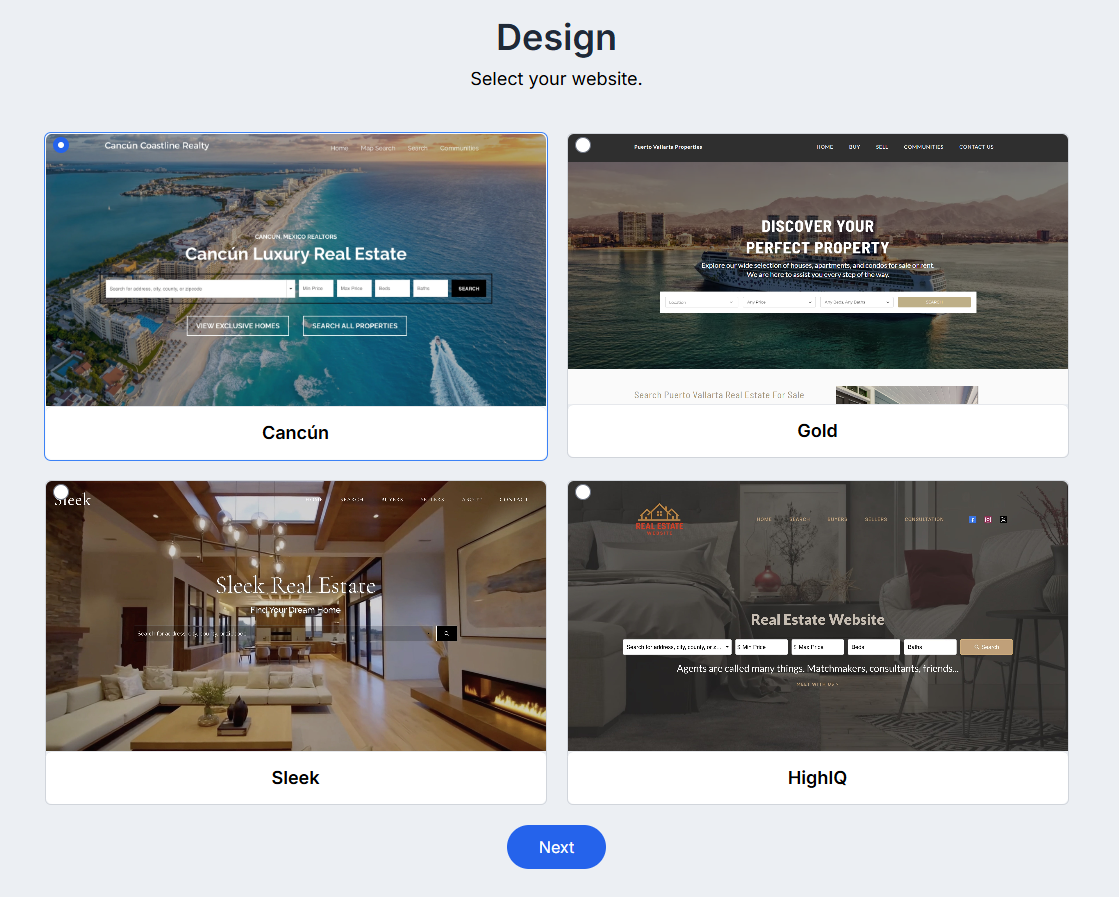
Added new website choices for One Click Websites

🚀 New features: 

  • Added Sleek website choice.
  • Added HighIQ website choice.


General improvements

🚀 Fixes and Improvements: 

  • Added fix regarding cities not being sorted in alphabetical order in Omni Search App.
  • Added improvements regarding UI/UX, added spinner loaders, updated descriptions, videos and instructions for the user to follow.
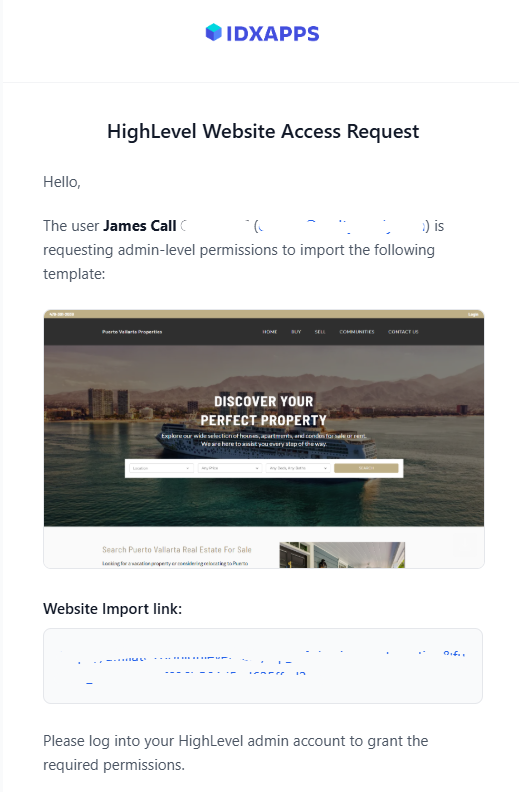
  • Added new send email to admin button to send instructions via email about how to import a newly created One-Click-Websites.
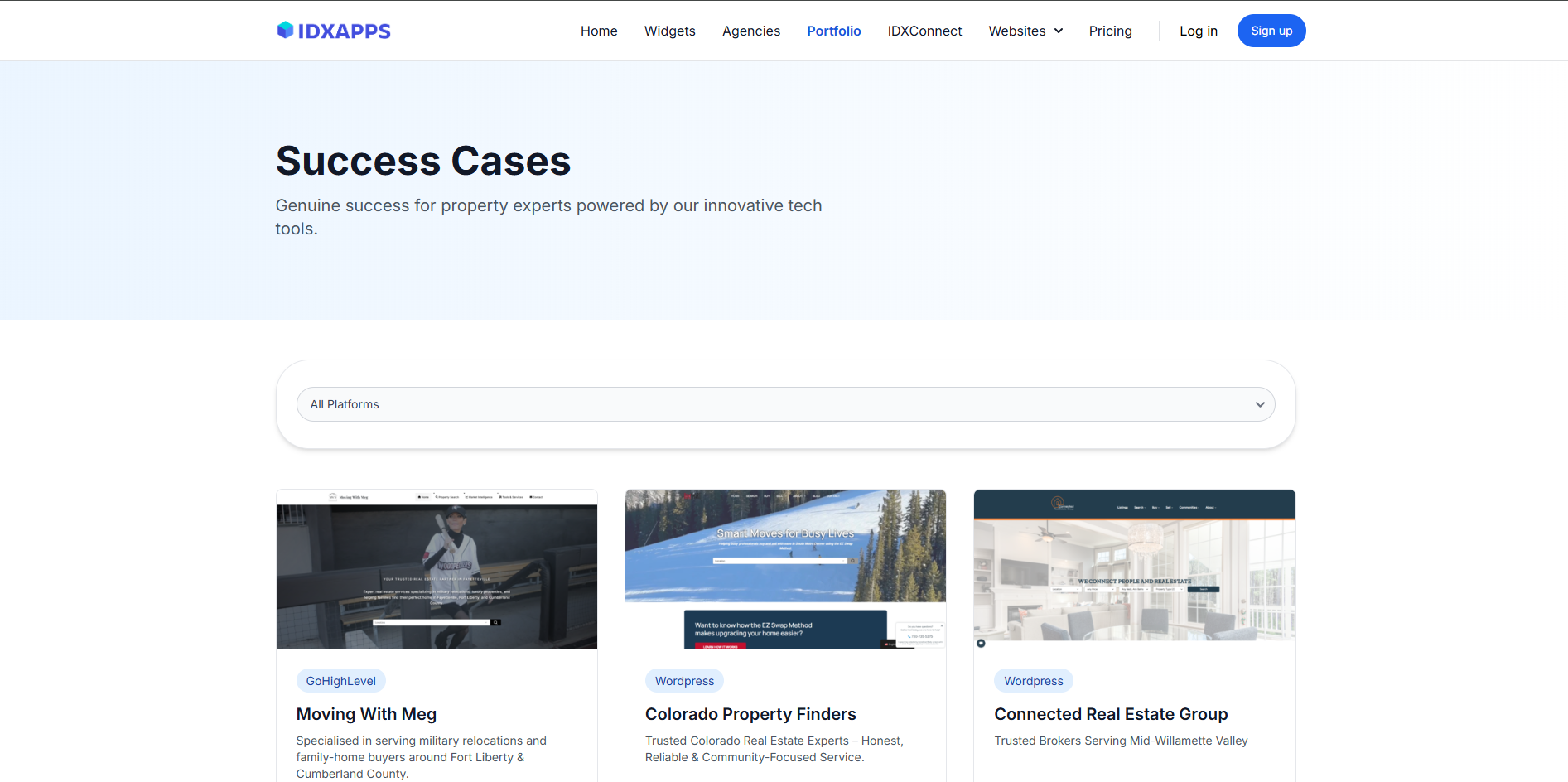
  • Added a new portfolio page highlighting our clients’ success stories and key project results.


Wizard App Feature

Wizard App

🚀 New Feature: Wizard app

  • Introduced a new Wizard App feature that allows users to quickly set up supported applications such as the Home Valuation AI App.
  • This feature helps users get their apps running in minutes, offering flexibility while maintaining a smooth and guided experience.


August 2025

1 release

📢 Changelog – CRM Dashboard

🚀 New Features

  • Recent Activities Overview

View all recent activities from your leads in one place.

  • Lead Activity Timeline

Access the complete history of a specific lead’s activities with a clear timeline view.

  • Saved Searches for Leads

Create and manage saved searches directly from the CRM Dashboard, making it easier to track relevant leads.

  • Integration with Go High Level

Seamlessly integrate the CRM Dashboard into Go High Level for a unified workflow.

March 2024

3 releases

Single Property Websites Template Selection

Single Property Websites Template Selection

New Feature: Template Selection

  • Introduced the ability for users to select from a variety of templates when creating single property websites.
  • Users can now choose a template that best suits the property they are showcasing, allowing for greater customization and personalization.
  • Templates range from modern and minimalist designs to classic and elegant layouts, catering to diverse user preferences and property types.


Go to the Single Property Website

Plunk home valuation ask for lead

Plunk Home Valuation Widget New Feature

New Feature: Lead Information Capture Form

  • Implemented a lead information capture form that now appears before providing the valuation through the Plunk Home Valuation widget.
  • Users are required to fill out necessary information before receiving the valuation report.
  • Lead information is securely stored within the system for future reference and analysis.


Agents Carousel Release

Now Available: Agents Carousel Widget


Introducing our latest innovation: the Agents Carousel Widget! 🚀 Now you can effortlessly highlight your team of real estate agents directly on your website. Showcase their expertise, professionalism, and personalities with stunning photos and comprehensive contact information. Elevate your online presence and connect with potential clients in a whole new way. Try the Agents Carousel Widget today and take your real estate business to new heights!


New Feature: Agents Carousel Widget

  • Introducing the Agents Carousel Widget, allowing you to display your iHomefinder registered agents along with their photos and contact details.
  • Easily showcase your team members with this intuitive widget.
  • Enhance the user experience by providing comprehensive agent information directly on your website.


Go to App


February 2024

1 release

Testimonial Widget Release

Testimonial Widget is here!!!

  • Showcase customer testimonials in a carousel.
  • You can change the design to a quotes format.
  • Include the name and photo of the person providing the testimonial.
  • Upload your testimonials easily by importing a csv file.

Meet our new testimonial widget! It lets you display customer feedback in a cool rotating carousel on your website. Each testimonial shows the person's name and photo, making it more personal.

You can easily add bunches of testimonials at once by uploading a CSV file. It's super simple – just import the file, and your carousel will be filled with authentic customer experiences. This makes your website more trustworthy and builds a strong connection with your audience. Try it out to boost your brand credibility!


Go to App


Captura_de_pantalla_2024-02-06_112713_dxp9oo